
NYTechnology
RepairsServicesGalleryLabProcessWarrantyRepair GuidesService AreasAboutWhy Us
Call NowGet a Repair Quote
NYTechnology

Professional electronics repair for game consoles, computers, phones, tablets and board-level problems in the Bronx.

Popular Repairs

PS5 HDMI RepairXbox HDMI RepairNintendo Switch Charging PortPS5 Overheating

Company

About NYTechnologyRepair ProcessWarranty InformationRepair GalleryService Areas

Resources

Repair GuidesRepair Quote(718) 993-7200info@nytechnology.onlineWhatsApp
Professional DiagnosticsBoard-Level RepairQuality-Control TestingWarranty InformationLocal Bronx Service
© 2026 NYTechnology. All rights reserved.Built for speed, trust and local service.
CallWhatsAppStart Repair
Need help choosing a repair?Talk to NYTechnologyRepair QuoteWhatsAppCall
NYTechnology Knowledge Center

Repair guides and expert resources.

Learn about common console, computer and mobile-device symptoms, possible causes and when professional diagnosis may be appropriate.

Browse Repair Guides Request a Repair

Technical information without premature diagnosis.

Similar symptoms can have different causes. These guides provide general information and do not replace inspection of the actual device.

  • Symptoms explained clearly
  • Possible causes reviewed
  • Links to professional services
Browse by device

Explore repair-guide categories.

3 guides

PlayStation

Understand common PlayStation HDMI, power, cooling and storage problems.

Explore guides
1 guide

Xbox

Learn about common Xbox video, storage, power and overheating symptoms.

Explore guides
1 guide

Nintendo Switch

Explore charging, USB-C, display, game-card and power issues.

Explore guides
0 guides

Phones

Learn about screen, battery, charging and liquid-damage symptoms.

Explore guides
0 guides

Laptops

Understand charging, display, battery, motherboard and cooling problems.

Explore guides
0 guides

Gaming PC

Explore overheating, startup, display, upgrade and stability issues.

Explore guides
Featured guide

Start with a common repair question.

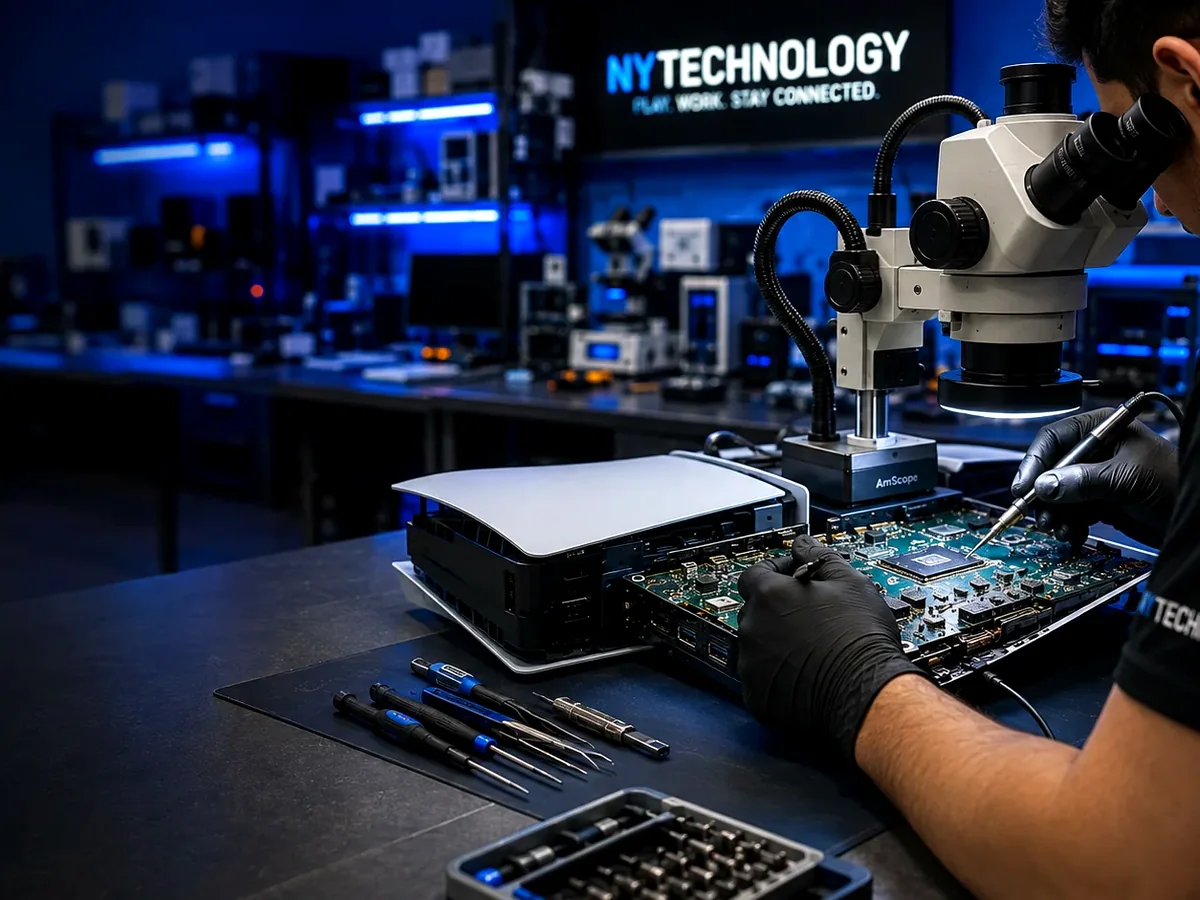
Illustrative PS5 HDMI inspection under magnification
PlayStation6 min read

Signs Your PS5 HDMI Port Is Damaged

No signal, intermittent video and a loose connector can indicate HDMI damage, but similar symptoms may also come from the surrounding video circuit.
Updated 2026-08-03Read guide
Latest guides

Technical information for common device problems.

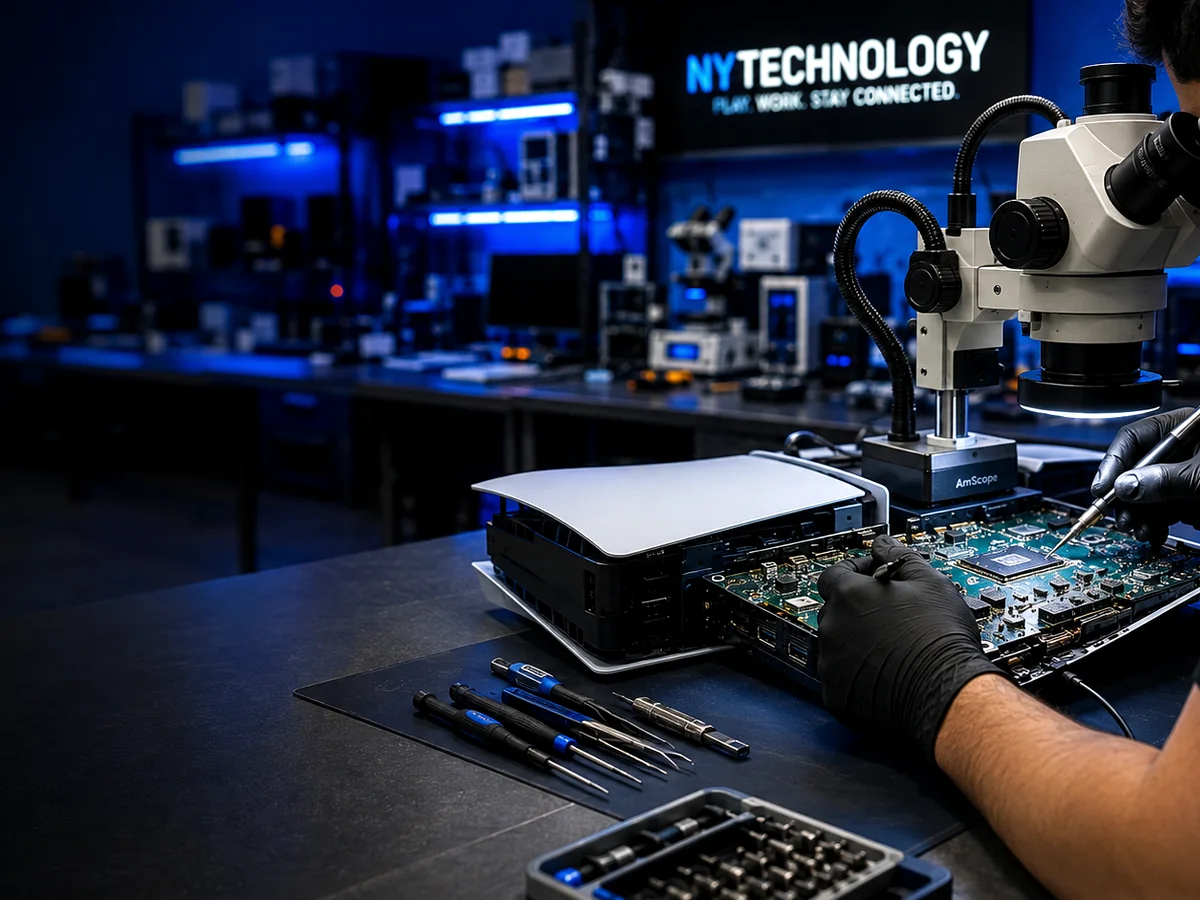
Illustrative electronics video-output diagnostic workbench
PlayStation7 min read

Why Your PS5 Shows No Signal

No signal can come from the cable, television input, HDMI connector or a fault elsewhere in the video-output path.
Updated 2026-08-03Read guide
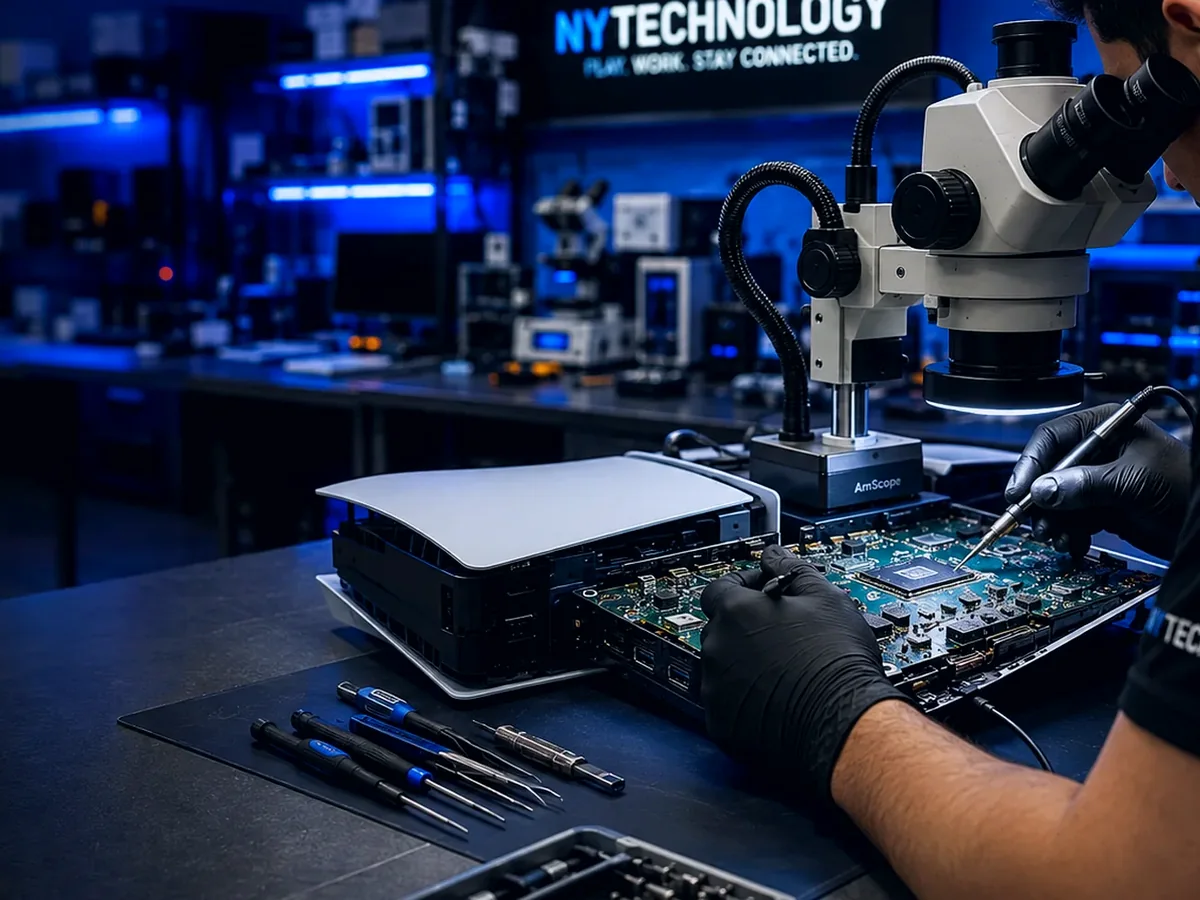
Illustrative PS5 cooling-system inspection
PlayStation7 min read

Common PS5 Overheating Problems

Restricted airflow, internal contamination, fan trouble and poor thermal contact can all contribute to overheating symptoms.
Updated 2026-08-03Read guide
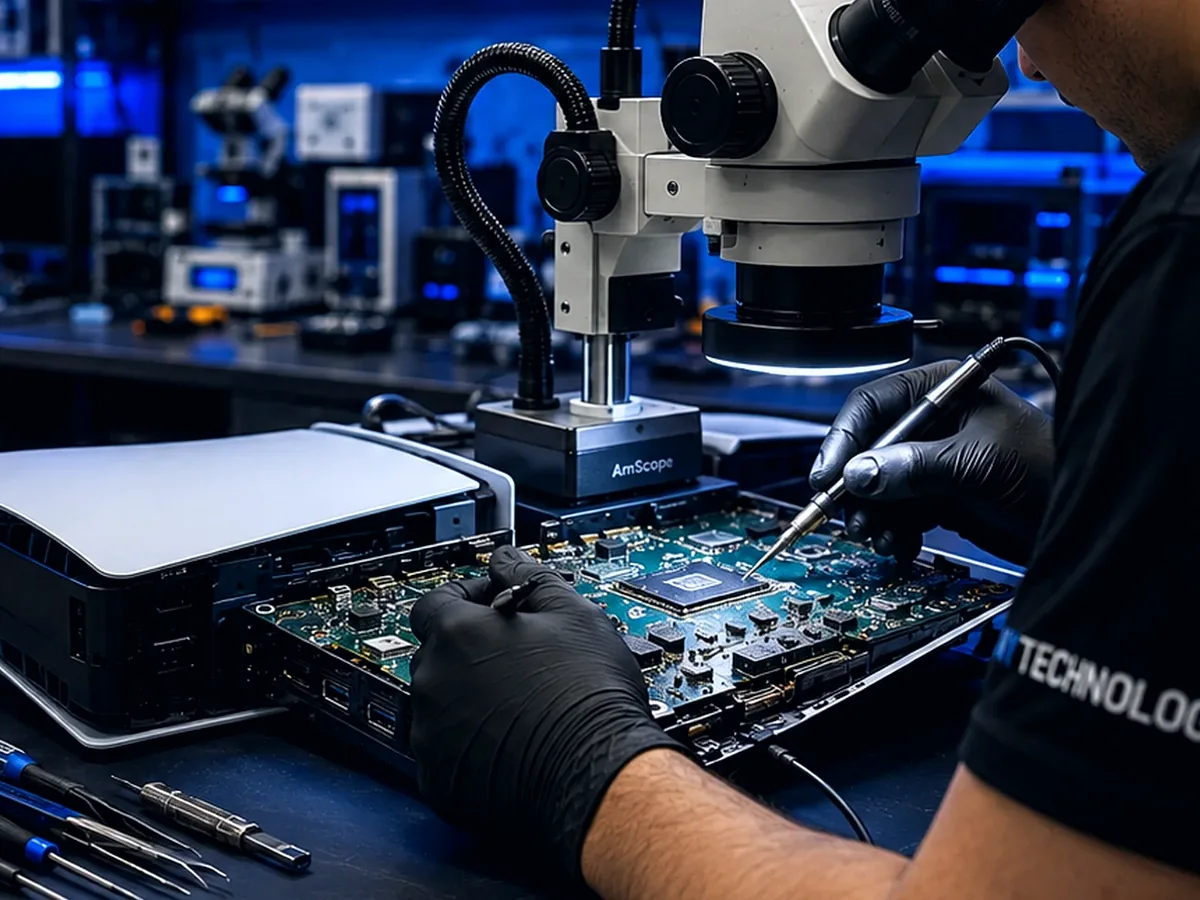
Illustrative Xbox HDMI board-level inspection
Xbox6 min read

Why an Xbox Shows No Signal

Cable, display, connector and video-circuit problems can all produce an Xbox no-signal message.
Updated 2026-08-03Read guide
Illustrative Nintendo Switch USB-C charging inspection
Nintendo Switch7 min read

Why a Nintendo Switch Won't Charge

A Switch that will not charge may have a cable, USB-C connector, battery or board-level charging fault.

Updated 2026-08-03Read guide
Still need help?

Send the device model and symptoms.

Guides provide general information. A technician must inspect or confirm the actual device condition before final pricing.

Get a Repair Quote View Repair Gallery