No signal, intermittent video and a loose connector can indicate HDMI damage, but similar symptoms may also come from the surrounding video circuit.
Quick summary
A damaged PS5 HDMI connector may cause no signal, flickering video, a loose cable connection or an image that appears only when the cable is held at an angle.
The visible port is not always the only affected area. Connector pins, solder joints, motherboard pads and nearby video components may also need inspection.
Common signs of HDMI damage
The most useful clues are changes in the physical fit of the cable and consistent video-output problems.
- The television displays no signal while the console appears to power on.
- The image cuts out when the HDMI cable moves.
- The connector feels loose or does not hold the cable securely.
- Pins inside the port appear bent, pushed back or broken.
- The port shell appears cracked, shifted or physically damaged.
Why professional inspection matters
Replacing only the visible connector may not solve the problem when motherboard pads, traces or nearby components were damaged during the same impact.
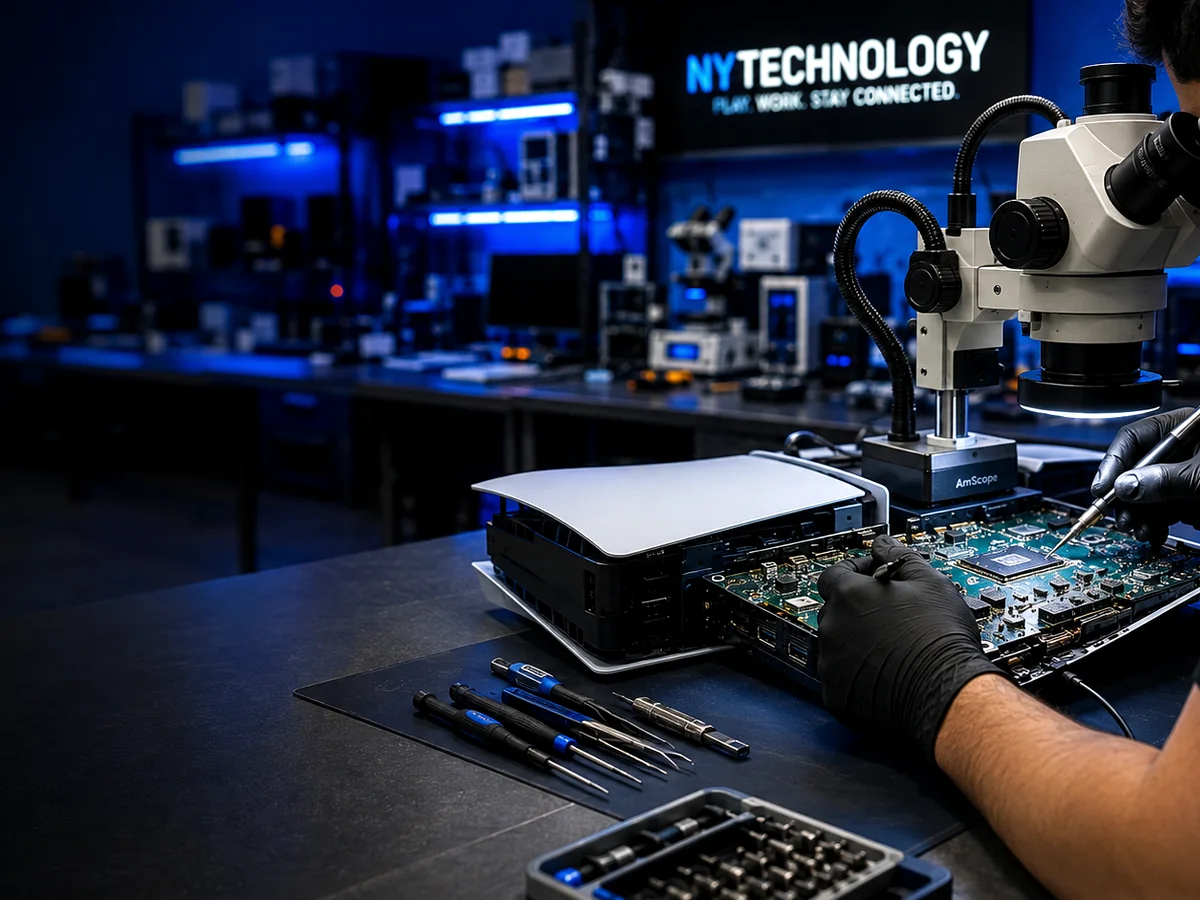
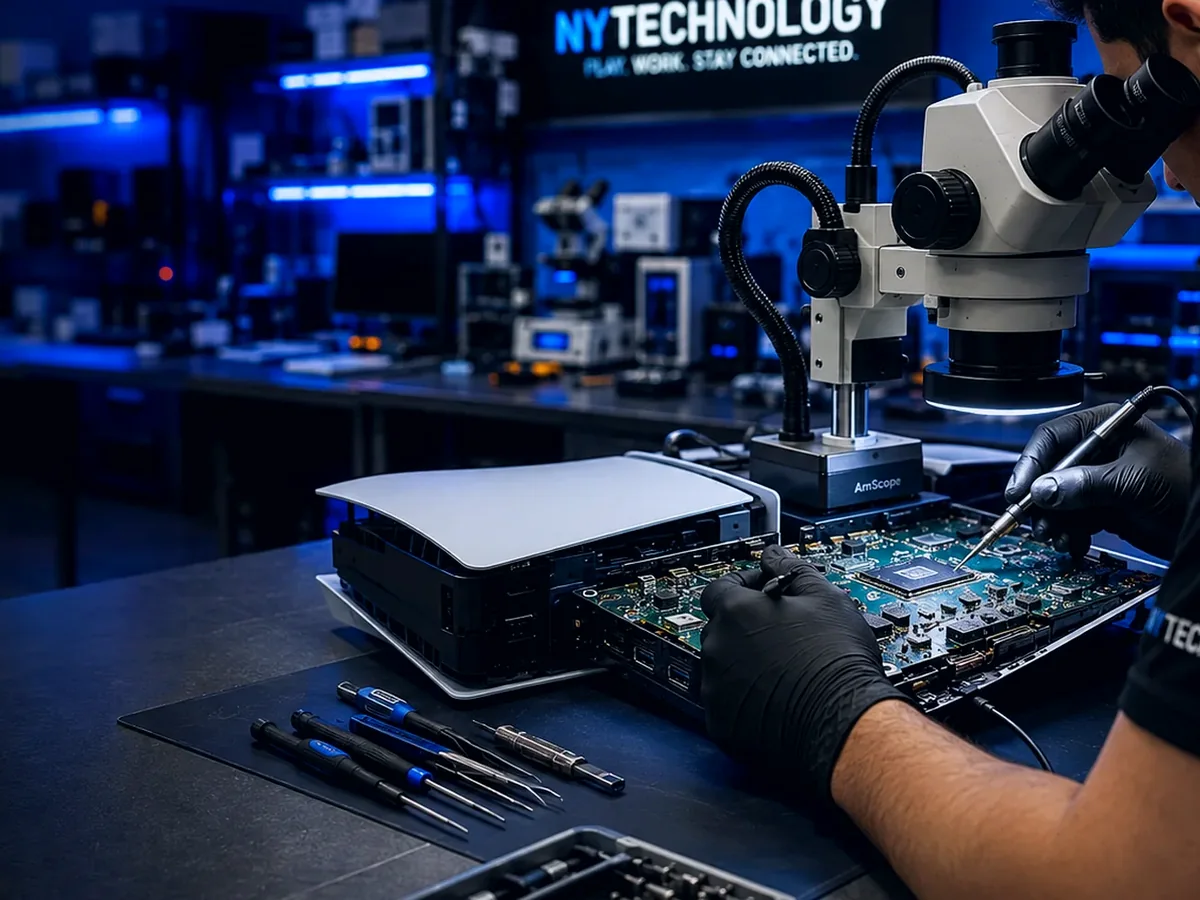
Inspection under magnification helps determine whether the repair is limited to the connector or requires additional board-level work.
What happens during diagnosis
The connector area is visually inspected, the physical fit is reviewed and the surrounding board area may be checked for damaged pads, joints or components.
Final pricing and repair recommendations should be based on the diagnosed condition rather than the symptom alone.
Frequently asked questions
Can a damaged PS5 HDMI port be replaced?+
Many damaged connectors can be replaced. The available repair depends on the condition of the motherboard pads and surrounding video circuit.
Does no signal always mean the HDMI port is broken?+
No. The cable, television input, connector, solder joints or other video circuitry can produce similar symptoms.
Will saved data be erased during HDMI repair?+
HDMI service normally targets the video-output hardware, but customers should discuss data concerns before any repair begins.