Will Not Charge
The system does not show a charging symbol when connected.
Professional USB-C charging-port replacement and charging-circuit inspection for Nintendo Switch, Switch OLED and Switch Lite systems that charge intermittently or not at all.
Professional board-level diagnostics • Warranty information provided • Local Bronx service
Charging failures can involve the USB-C connector, damaged pins, board pads or charging-control circuitry.
The system does not show a charging symbol when connected.
The cable moves excessively or does not stay securely connected.
Charging begins only when the cable is held in a certain position.
The system charges but does not connect correctly to a supported dock.
Charging repeatedly starts and stops during use.
Pins, the shell or internal tongue appear bent or damaged.
USB-C connectors carry power, data and video signals, so damage can affect more than charging.
Similar symptoms can have different causes. Final pricing and recommendations are confirmed only after diagnosis.
The port, cable response and charging behavior are inspected.
Pads, traces and nearby charging circuitry are reviewed.
The damaged USB-C port is removed using controlled microsoldering.
A compatible connector is installed and inspected.
Supported charging orientations and dock functions are checked.
Connector fit and the reported symptom are reviewed again.
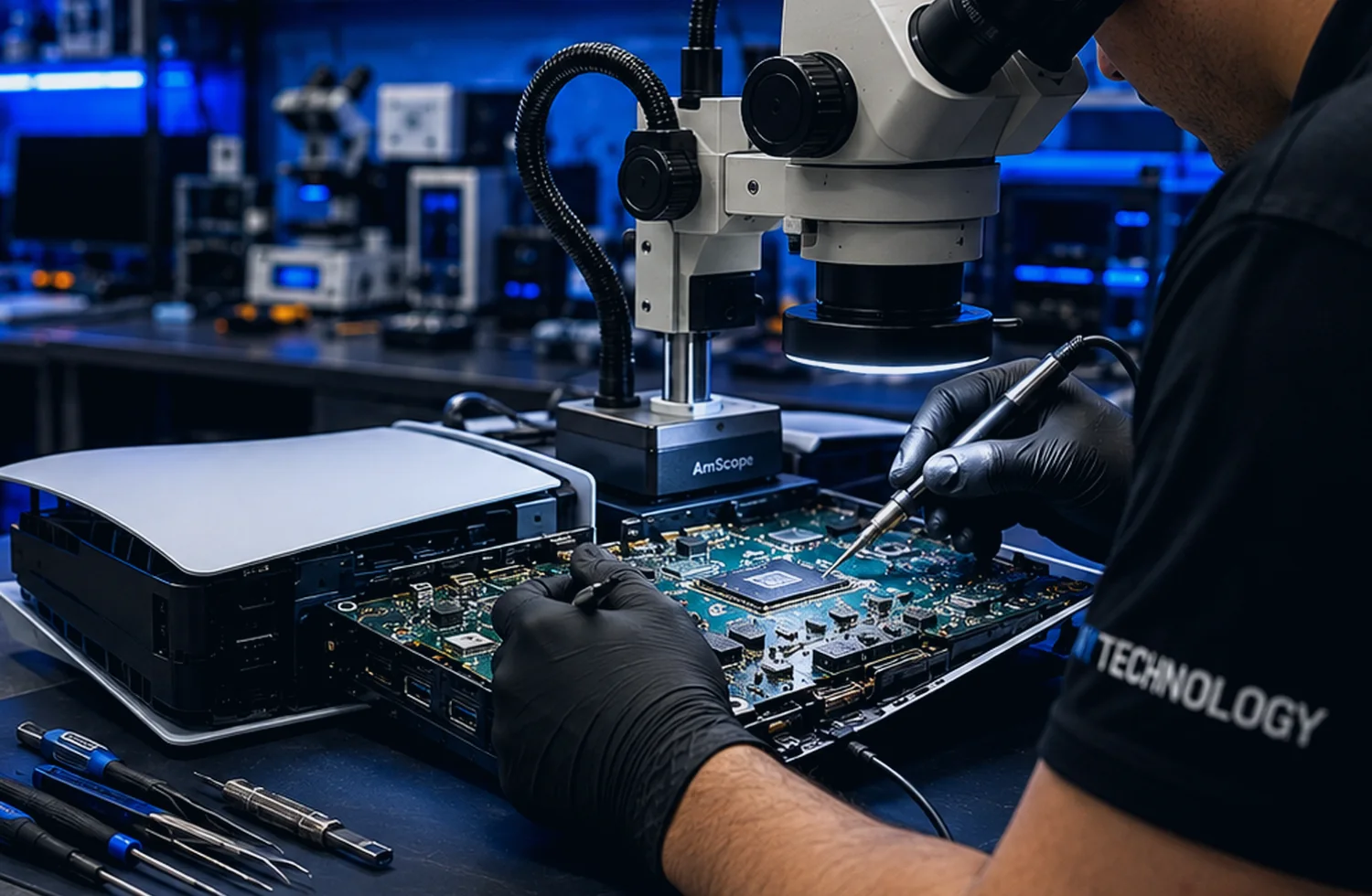
The comparison illustrates a generic board-level connector area before and after cleaning and inspection. It is not presented as a specific customer repair.
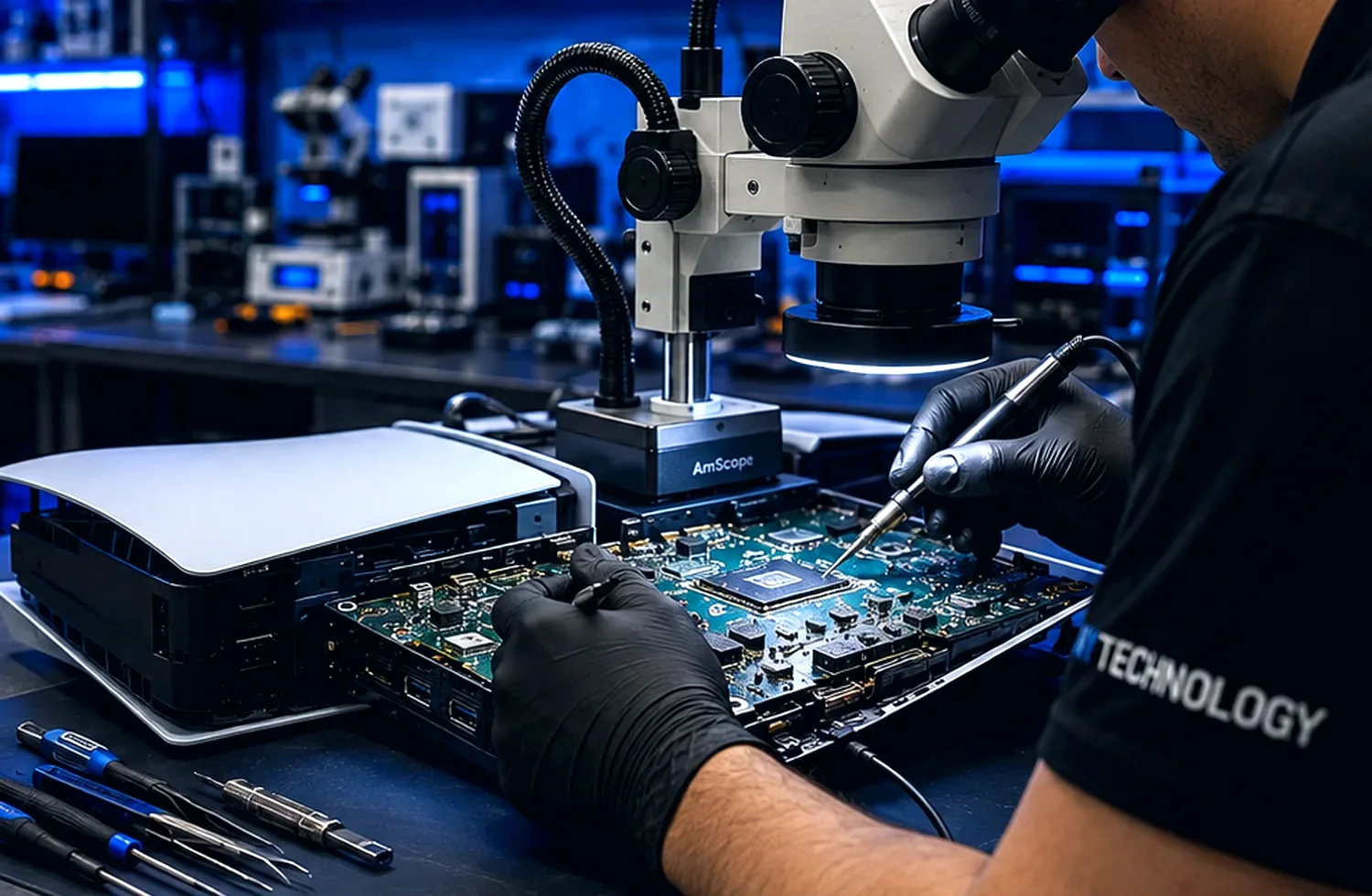
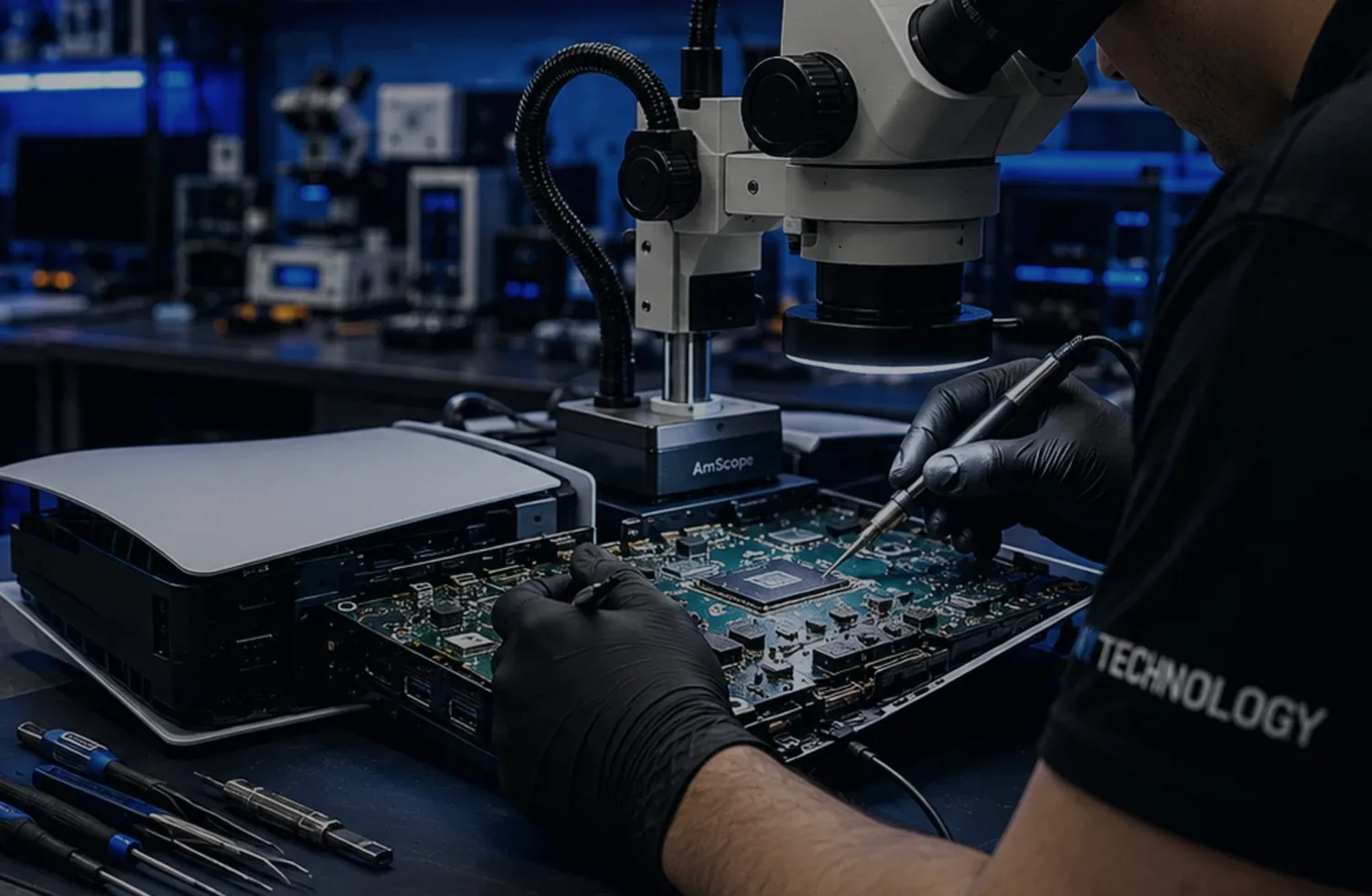
Illustrative comparison showing the type of visual inspection used during HDMI repair. Actual damage and completed work vary by console.
The goal is to identify the actual fault, explain the recommended work and test the repaired function before the device is returned.
Component-level inspection and microsoldering for qualifying faults.
Microscopes, precision soldering tools and diagnostic equipment.
The recommended repair is based on the confirmed device condition.
Applicable warranty terms are explained for qualifying completed repairs.
Service processes designed around modern game-console hardware.
Direct local communication for customers in the Bronx area.
Motherboard faults can be diagnosed and repaired when appropriate.
Precision tools and diagnostic equipment are used during service.
Repair processes are designed around modern game-console hardware.
The actual fault is reviewed before the repair recommendation is confirmed.
Applicable warranty information is provided for qualifying completed repairs.
Professional local support for customers in the Bronx and surrounding communities.
Qualifying repairs include clearly explained warranty terms. Coverage depends on the specific repair, device condition and completed work.
Final pricing, turnaround and warranty coverage depend on the diagnosed condition of the device.
Many damaged USB-C charging connectors can be replaced using microsoldering.
Yes. NYTechnology services supported Nintendo Switch, Switch OLED and Switch Lite hardware.
The connector may have damaged pins, a loose shell, broken solder joints or board damage.
Dock output may return when the port is the cause, but video and charging circuitry must also be tested.
Turnaround depends on the connector damage, board condition and testing required.
Applicable warranty terms are provided for qualifying completed repairs.
Send the model, symptoms and preferred contact method. NYTechnology will review the request and contact you about the appropriate next step.