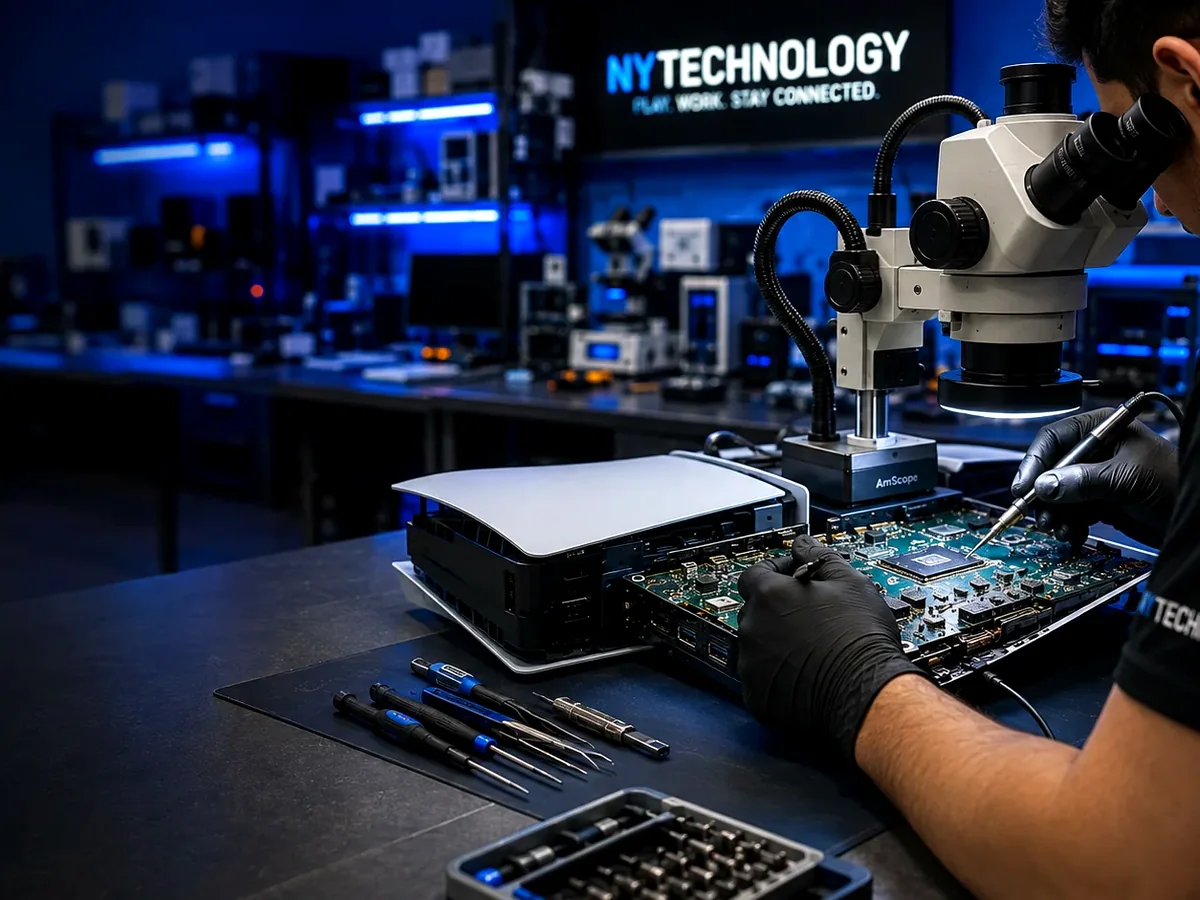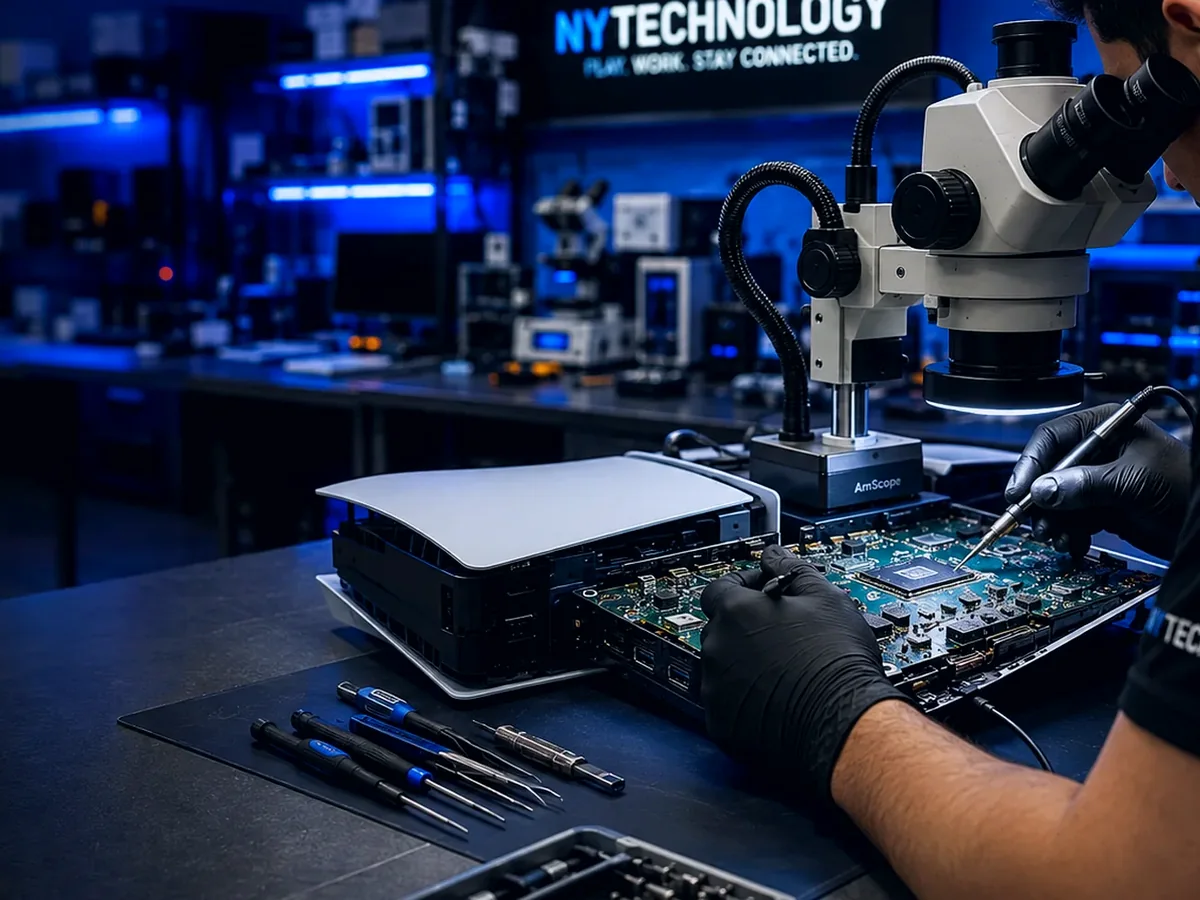
No signal can come from the cable, television input, HDMI connector or a fault elsewhere in the video-output path.
Start with the simple checks
A no-signal message does not automatically confirm internal console damage. The television input, HDMI cable and connection at both ends should be checked first.
- Confirm the television is set to the correct HDMI input.
- Test a known-working HDMI cable.
- Try another compatible display when available.
- Inspect the connector for visible movement or damage.
When the connector may be involved
A loose cable fit, intermittent image or visible pin damage makes the HDMI connector a stronger suspect.
A console that was moved or dropped while connected may also have damaged solder joints or board pads.
Other possible causes
Filters, traces or another part of the video-output circuit can fail even when the connector looks acceptable from the outside.
Professional diagnosis is useful when external checks do not restore video.
Frequently asked questions
Can safe mode fix PS5 no signal?+
Safe mode may help with certain display-setting or software conditions, but it will not repair physical connector or motherboard damage.
Why does the image appear only when the cable moves?+
Movement-sensitive video often points to connector pins, solder joints or physical port damage.